Gallium Edge
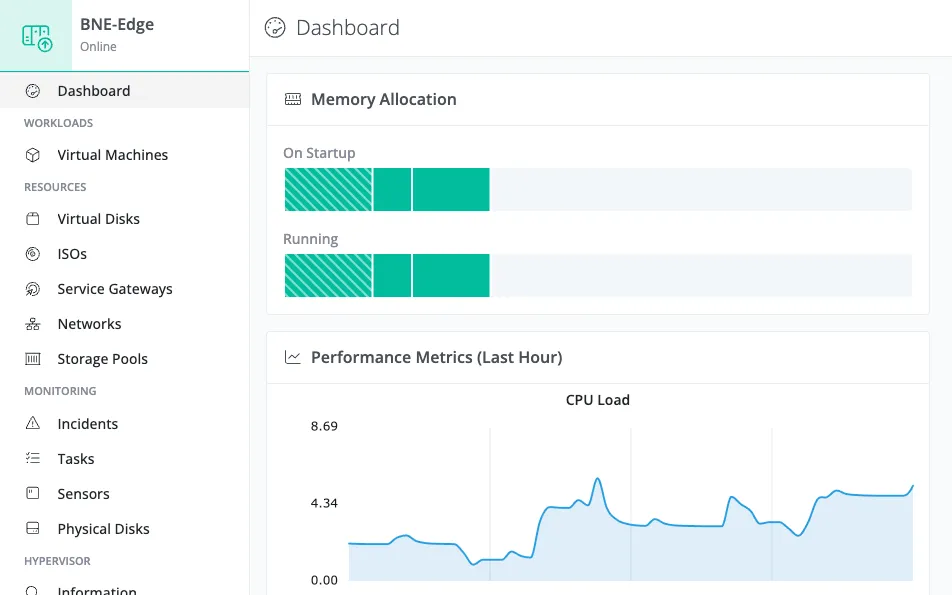
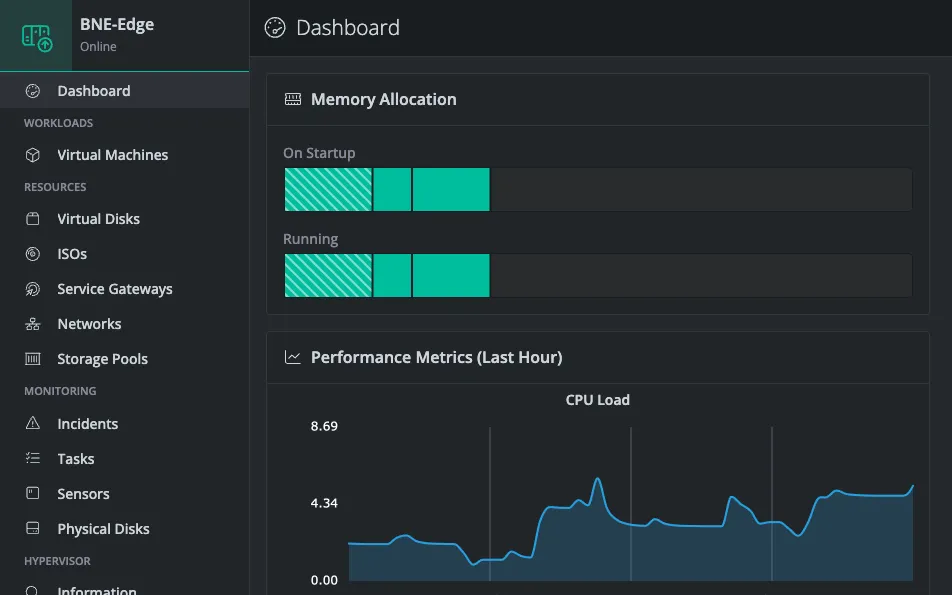
Gallium Edge is a lightweight, cloud-managed hypervisor. It’s designed to be installed on smaller servers or edge appliances. Edge requires requires only 2 GB of memory for system overhead, leaving the rest of your hardware for workloads. Software driven storage redundancy eliminates the need for RAID controllers.
Use Cases
Edge Applications
Run services close to where they’re used, so they keep working when the link to head office drops. Edge suits point-of-sale failover databases, retail telemetry, and other latency-sensitive workloads. Define your rollouts as code and let built-in hardware monitoring flag failing disks and fans before they cause an outage.
Bare Metal Cloud
Turn rented bare metal into a managed hypervisor. Edge installs cleanly on providers like OVH: no RAID controller to configure, and no open ports to firewall. You get a complete control plane for your guest VMs without building one yourself.
Remote Monitoring
Deploy monitoring probes on inexpensive hardware at any site. Because Edge is fully managed from the cloud, you add or remove tools remotely as your needs change, with no site visit required.
Getting Started
Follow these steps to go from bare hardware to running virtual machines:
-
Review Planning: Check that your server meets the hardware requirements before you begin, including the two matched disks Edge needs for its mirrored Storage Pool. See Planning.
-
Install Gallium Edge: Flash the bootstrap image, boot the server, and register it in the Console, which walks you through creating the Storage Pool. See Installing Gallium Edge.
-
Set Up Networking: Create the VLAN networks your virtual machines will connect to. See Networking Overview.
-
Deploy Virtual Machines: Create VMs from templates in the Gallium template library. See Creating a Virtual Machine.
Choosing Between Edge and Standalone
Gallium offers two hypervisor products to fit different deployment scenarios:
| Edge | Standalone | |
|---|---|---|
| Best for | Lightweight or distributed deployments | Dense single-server deployments |
| Feature set | Streamlined essentials | Full: disk pools, passthrough, Windows provisioning |
| System resources | 2 GB reserved for system | 16 GB reserved for system |
| Storage | Single mirrored pool holding the OS and all VM data | Multiple disk pools across drives and locations |
| Device passthrough | No | Yes |
| Windows provisioning | Limited Automation | Complete Autounattend tooling |
| Linux Provisioning | Cloud-init and Bash Scripts | Cloud-init and Bash Scripts |
| Console | VNC only | VNC and serial |
| Use case | Remote sites, edge locations, or resource-constrained hardware | Production servers with demanding workloads |
Both products are managed through the Gallium Console and share the same template library. Choose Edge when you want a lean hypervisor with a minimal footprint; choose Standalone when you need the full feature set on capable hardware.